Every small and medium sized company owner asks the same question: how often should I post? The honest answer is less than the gurus tell you, and only when you have content that deserves the space. Here is what the 2026 data shows, and the social media posting schedule that fits a real company.
⚡ QUICK SUMMARY
Most successful small businesses post 2 to 5 times weekly (HeyOrca, 2026). More is not better: over-posting trains followers to scroll past you. The rule that beats every calendar: post when you have something valuable, entertaining, or that shows your work . Use a content calendar and a scheduling tool so it all takes under an hour.
How Often Should a Small Business Post on Social Media?
For a local service business, 2 to 5 posts per week is the sweet spot. A 2026 HeyOrca survey of brands found most brand accounts succeed at 2 to 5 posts weekly, and many warned that over-posting leads to scroll-past behavior, especially when the content feels repetitive or salesy (HeyOrca, 2026). Medium sized companies and smaller shops do not need enterprise volume; what they need is a plan they can keep, and medium effort beats heroic effort that quits by March.
Here is my rule, and it matters more than any number: a few times a week is fine, but mostly post when you have something to say. Something your target audience will find valuable or entertaining, or that shows the type of work you do and how you serve your customers in ways they actually care about. Weak content published on schedule is worse than no post at all.

What Does the Data Say About How Often to Post?
Posting frequency advice varies by platform, but the research keeps landing in the same place: consistency beats volume.
2-5x
posts weekly is where most brands report the best results
HeyOrca brand survey, 2026
More numbers worth knowing before you build a social media calendar:
- There is no magic number. Buffer analyzed over 52 million posts in 2026 and found no single cadence that wins across every platform and account size (Buffer, 2026).
- Platform guides suggest roughly: Facebook 3 to 7 posts weekly, Instagram 3 to 5, LinkedIn 2 to 5 (Hootsuite, 2026). Hootsuite frames these as ranges for medium and smaller accounts, not quotas, and Hootsuite's own medium-sized account data lands in the same 3 to 5 range on most networks. Treat them as ceilings.
- Social is a search engine now. 40% of consumers start searches on social media, second only to Google at 59% (Yext, 2026). Your profile is a storefront window, not a megaphone.
- The scroll is brutal. Nearly half of consumers spend 10 seconds or less on a company's post before scrolling past (National Law Review, 2026). Fewer, better posts respect that reality.
Does Posting More Get You More Customers?
No. Past a modest threshold, extra posts add noise, not leads, and no engagement metric rewards volume for its own sake. The HeyOrca survey respondents said it directly: when a feed turns repetitive or promotional, users scroll past (HeyOrca, 2026). Your followers do not wake up wanting content from a plumber. They want proof you are good, so it is there when they need you.
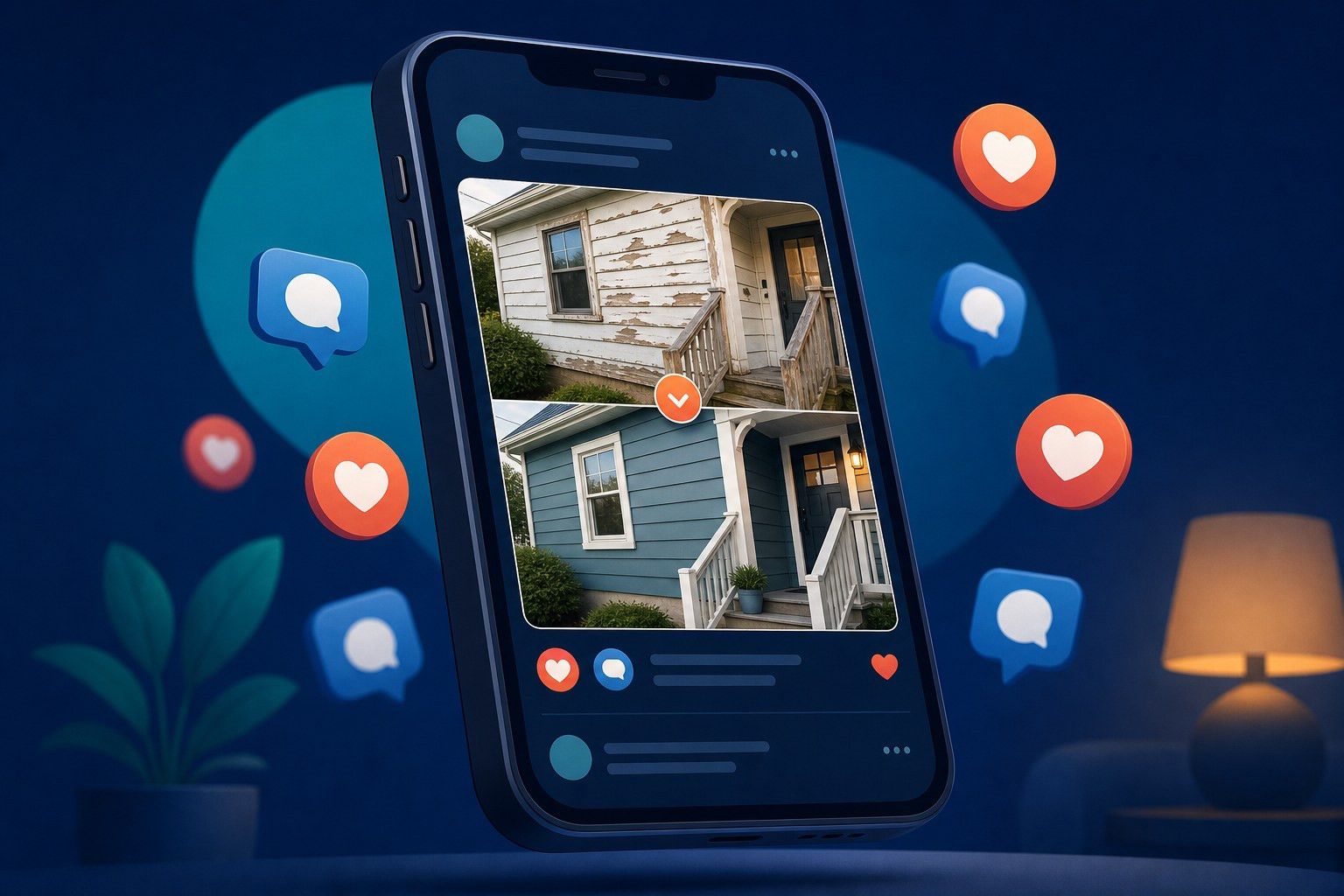
That is why quality wins. One great before-and-after with a real story will outperform five "happy Monday" posts. If you are stuck on what counts as postable, we covered the exact mix in what a local business should actually post, and why your own crew is your best content team.
Daily posts with nothing to say do not make you look active. They make you easy to ignore, and they burn you out by March.
What Goes on a Simple Social Media Calendar?
A social media content calendar is just a plan for which posts you will publish and when, a simple marketing calendar for your recurring post types. Yours can live in a notebook, a spreadsheet, free calendar templates, or a social media planner app with a built-in scheduler. Pick a start date, sketch two weeks, and adjust as you learn. For a service company, the content calendar looks like this. Use these three recurring categories as content pillars to make it easier to plan content and keep the mix balanced:
Related: Every Social Platform Just Cracked Down on AI Content. Here's What Small Businesses Need to Know.
| 📸 Proof post A before and after, a finished job, or a review screenshot. The workhorse. |
🧠 Helpful post One tip a homeowner can use today. Valuable or entertaining, or skip it. |
👤 People post Your crew, your truck, your town. Faces build the kind of brand trust logos never will. |
Three posts, one hour, done, and this calendar format makes upcoming posts easy to see at a glance. Add a fourth when something genuinely good happens on a job. Note important dates too, so promos or seasonal moments can be slotted in ahead of time. That flexibility is the whole point of a social media calendar: the plan holds your baseline, helps you track progress on upcoming posts instead of scrambling day to day, and lets the good stuff jump the line.

How Do You Schedule Social Media Posts Without Losing a Day?
Batch it, the easiest way for a lean team to create content efficiently. Here is the batching system we set up for the home service companies we work with:
1 Collect all week
Job pictures and clips go into one shared album. That album is your endless source of content ideas.
2 Write in one weekly sitting
Pick the best 3 to 4 moments, write plain captions, and schedule everything at once; content creation is faster when you batch similar posts together. Caption templates help here: keep 3 or 4 fill-in-the-blank caption templates for proof posts, tips, and crew intros so writing takes minutes and your brand voice stays consistent.
3 Use scheduling tools
A social media scheduler publishes your content across different platforms and social channels, so one scheduling session covers Facebook, Instagram, and Google. Good scheduling features are table stakes now: Hootsuite, Buffer, and a dozen other platforms all offer queues, previews, and analytics, and any decent tool will automate publishing and let you preview social posts before they go live. If a social media team handles it, simple approval workflows keep team collaboration painless: owner gives a thumbs up before anything goes live.
4 Leave room for real time
When a job produces something great today, post it today. The schedule is the floor, not the ceiling.
💡 Pro Tip
Skip the hashtag rabbit hole. A handful of local and trade hashtags (many schedulers offer suggestions) is plenty, and chasing trends rarely fits a service company anyway. Your social media strategy lives or dies on the first line of the post, not the tags. And every post should point somewhere: your website, your phone, your booking page. If those are weak, fix that first. See what a truly complete marketing setup includes.
Do You Need a Social Media Scheduling Tool?
Once you post more than twice weekly, yes. Manually logging into each platform to create and publish wastes time and breaks the plan, and a posting tool matters more once you are trying to keep up with several networks across different platforms. Social media scheduling tools and social media management tools help you manage each social media platform in one place, maintain a consistent presence, and stay organized across multiple channels. A social media scheduler helps you create once, manage everything in one dashboard, and keep the plan on track:
- Free is fine to start. Most scheduling apps have free tiers. Buffer's free plan and Meta's free built-in scheduler cover basic scheduling at no cost. Paid tools like Hootsuite go further with analytics, approvals, and workflow support when your marketing team needs to organize campaigns, review content, and manage approvals.
- AI helps, with a leash. Most scheduling tools now include AI caption help and hashtag suggestions. Use AI for caption drafts, visual cleanup, and making rough clips usable, never for making up work you did not do. It can save time on the busywork of scheduling posts. Buyers can smell generic AI content, and it dilutes your brand.
- Track what works. Basic analytics (reach, likes, comments, link clicks) and engagement metrics tell you which posts earn engagement so you can plan more of it and drop the rest. As needs grow, reporting features and custom reports can make that review easier, and likes alone are not the goal; watch clicks and messages. Check monthly, not daily.
- Organize in one place. The best workflow keeps ideas, images, captions, hashtags, and the calendar in a single workspace so nothing gets lost between the truck and the page, and a shared inbox for comments and mentions means no lead waits days for a reply. Organize once, then the system manages itself.
Agencies and marketing teams use these same platforms when managing multiple clients and keeping work organized across social media channels. A small or medium sized company needs maybe 10% of those features: a scheduling queue, a calendar view, and a way to track performance without heavy reporting. Skip enterprise extras like approval chains for ad campaigns, viral content dashboards, or design suites. Do not let tool shopping become the project.

A Simple Weekly Template You Can Copy
Here is a free template for a medium effort week. Copy it into any planner or scheduling app and adjust the days to fit your workflow:
- Monday: Proof post from last week's best job. Scheduling note: mornings work for most medium sized service companies.
- Wednesday: Helpful tip. Keep building a running list of customer questions so you never start from a blank page.
- Friday: People post. Crew, truck, or town. These earn the most likes and comments of any post type.
Templates like this remove the daily decision. You are not wondering what to post; you are filling in a slot. Save your best performing posts in a swipe file, and when a stretch gets busy, remake a past winner with a new job's photos. Businesses that stick to a repeatable scheduling rhythm like this one keep their pages alive without hiring anyone, and the likes take care of themselves when the work is real.
Posting Schedule FAQ
Is it bad to skip a week?
A quiet stretch will not hurt you. Six quiet months makes new customers wonder if you are still open. That is the real reason to keep a light, steady rhythm: proof of life. Scheduling a month of baseline posts in advance protects you from busy seasons, keeps you building momentum, and helps ensure the feed never goes dark.
Do I need to be on every platform?
No. Choose the right social media platform based on where your customers actually pay attention, usually Facebook, Instagram, and your Google Business Profile for local work, and publish good content there consistently. One platform done well beats four done badly. The same goes for content types: posts with pictures and short videos from real jobs beat stock imagery on every channel, including YouTube if you ever expand there.
What is the best time to schedule content?
When your audience is off work: early morning, lunch, and evenings, since those windows often line up with how customers browse and respond. Most tools suggest a best time to schedule posts based on when your followers are active, and watching audience behavior helps you decide not just what to post, but when to post it. Good timing helps keep your audience engaged. But timing tweaks are pennies. The posts themselves, and whether they show real work, are the dollars.
Should I use a social media management tool or hire it out?
If you enjoy it and it fits in an hour, a scheduling tool is enough for a solo operator, while larger teams may want stronger team collaboration features. If it keeps falling off your list, hand it off. The worst option is the guilt cycle: three good posts in January, silence until June.
What should a scheduling tool actually do for you?
Good social media scheduling tools handle the boring tasks. They let you schedule posts to multiple platforms at once, offer templates and post ideas when you are stuck, and support bulk post scheduling so you can load a whole social media calendar in one sitting. Most let users schedule Instagram posts, Facebook, and Google Business Profile from one dashboard, keeping everything in one place and allowing you to share the same update everywhere without retyping it. Some connect with other marketing tools, making it easy to align your content calendar with your email and ads. Social media managers use the same social media scheduling features to generate a month of social media posts fast. Check the fine print on image rights if a tool bundles stock images, and pick the plan that matches how many social platforms you actually use.
| Want Your Posting Handled for You? We build the calendar, write the posts, and publish them across your platforms, using photos from your real jobs. You run the business.
|
Written for contractors, not marketers. What is working in local search and AI right now, in five minutes. No fluff, no spam, unsubscribe anytime.
Connects to QuickBooks Online in one click. Your competitors ask 100% of customers for reviews automatically. Now you can too.
See How It WorksTake the free assessment and get a full report on where your marketing stands and what to fix first.
Start My Free Assessment