That's not a hustle problem. It's a lead-capture problem.
If you're a contractor, you already know the pattern: the phone rings while you're on a jobsite in Webster, finishing an estimate in Worcester, or driving between calls in Dudley, and you miss it. Then you tell yourself you'll call back later, only to realize that "later" means your potential client already talked to the next company on Google.
Below is a straightforward, contractor-friendly system you can put in place to capture more leads, respond faster, and convert more of the calls you're already paying for, without living on your phone.
Why "Call Back Later" Is Costing You Real Jobs
Homeowners don't shop for roofers, plumbers, HVAC techs, electricians, or remodelers the way they shop for tools. When they need help, they want:
- 1
A quick response
- 2
Confidence you're legit (reviews, photos, proof)
- 3
A clear next step (book, schedule, quote)
If they don't get that from you within minutes, especially for urgent needs, they'll move on.
In busy local markets like Webster and across Worcester County, it's normal for clients to call 2 to 5 companies in a row. The first one to respond like a professional usually wins.
The "Lead Capture Stack" (Simple, Effective, and Measurable)
You don't need 20 apps. You need a few pieces that work together:
SpeedMobi focuses on these exact building blocks for contractors, because they're the difference between "we're busy" and "we're busy with the right jobs."
Here's how to think about each piece.
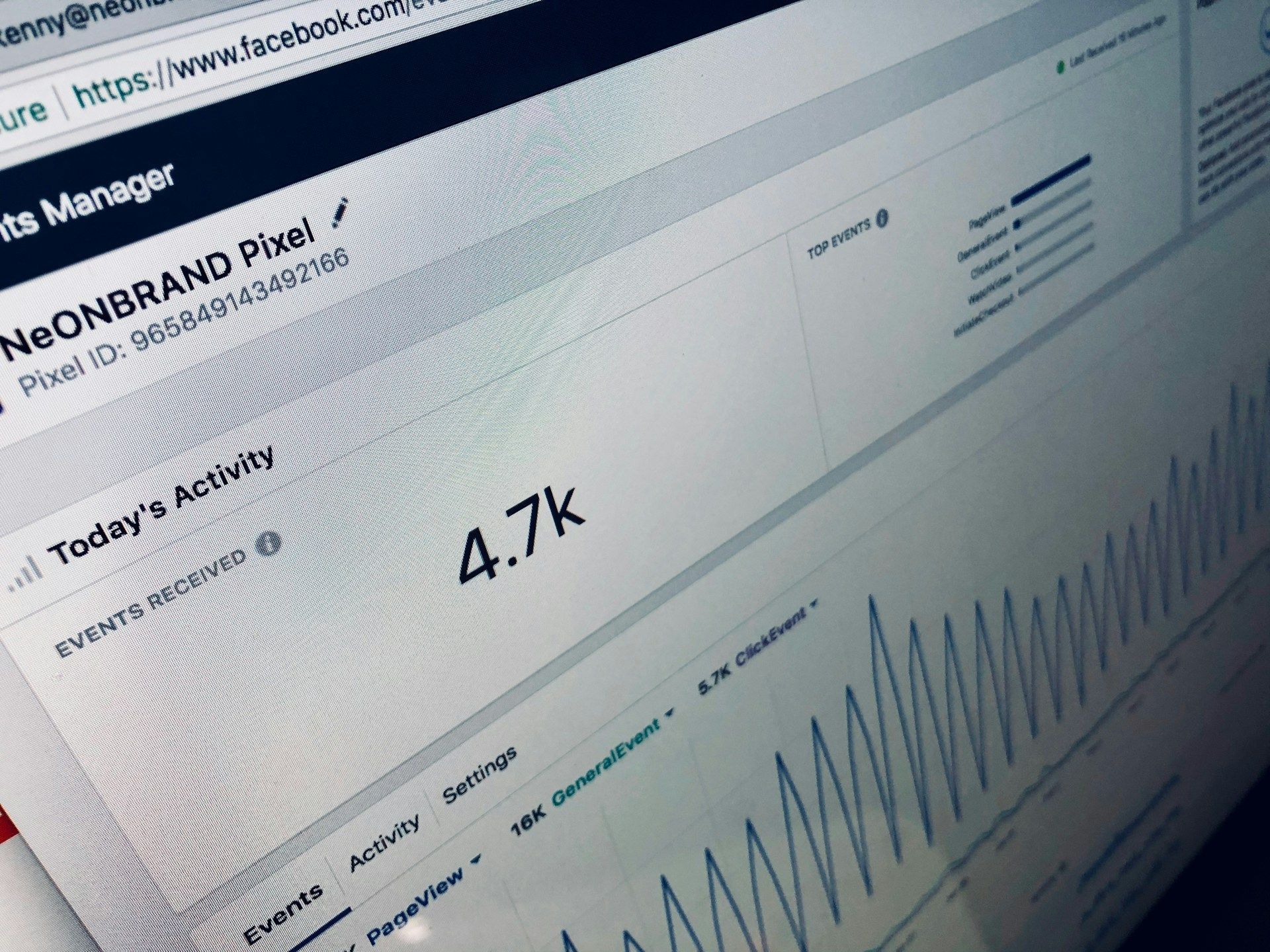
1) Start by Tracking Where Your Leads Actually Come From
Most contractors guess. That's a problem because you can't scale what you can't measure.
At minimum, you should know:
- ✓
Which calls came from Google Business Profile
- ✓
Which came from Google Ads
- ✓
Which came from your website form
- ✓
Which came from "directions" or click-to-call on mobile
- ✓
Which were referrals (and whether you're asking for them consistently)
If your marketing partner can't show you basic attribution, you're flying blind, and it usually leads to overspending on the wrong channels.
Good news: you don't need enterprise reporting. You need clean lead capture plus a CRM view of what happened after the call.
2) Install an AI Phone System So You Stop Missing Calls (and Stop Losing Jobs)
Missed calls are not just "missed calls." They're:
An AI phone (done correctly) is not a gimmick. It's a practical way to answer after-hours calls, capture job details, route emergencies, book callbacks, and reduce the "call back tag" that kills conversion rates.
If you're skeptical, that's healthy. The key is implementation: the AI phone needs to sound professional, match your workflow, and push leads into your CRM so nothing disappears.
The Minimum Your AI Phone Should Capture
- ✓
Full name + phone
- ✓
Email (optional but helpful)
- ✓
Zip code / service area confirmation
- ✓
Job category (repair, replacement, install, remodel, etc.)
- ✓
Timeline (ASAP, this week, researching)
- ✓
Notes (photos request if relevant)
Once that info is captured, your follow-up becomes faster and more personal, because you're not starting from zero.
3) Use a CRM Like a "Pipeline," Not a Digital Junk Drawer
A CRM only helps if it matches how contracting businesses actually operate. You don't need complexity, you need visibility.
Your pipeline should show stages like:
This is where you'll notice patterns like:
"We win most jobs when we respond within 5 minutes."
"We're losing remodel estimates because proposals go out 4 days later."
"Our office is forgetting to follow up on 'researching' leads."
That's not theory. That's operational clarity, and it directly impacts revenue.
→ Website, SEO & Lead Tools for Contractors
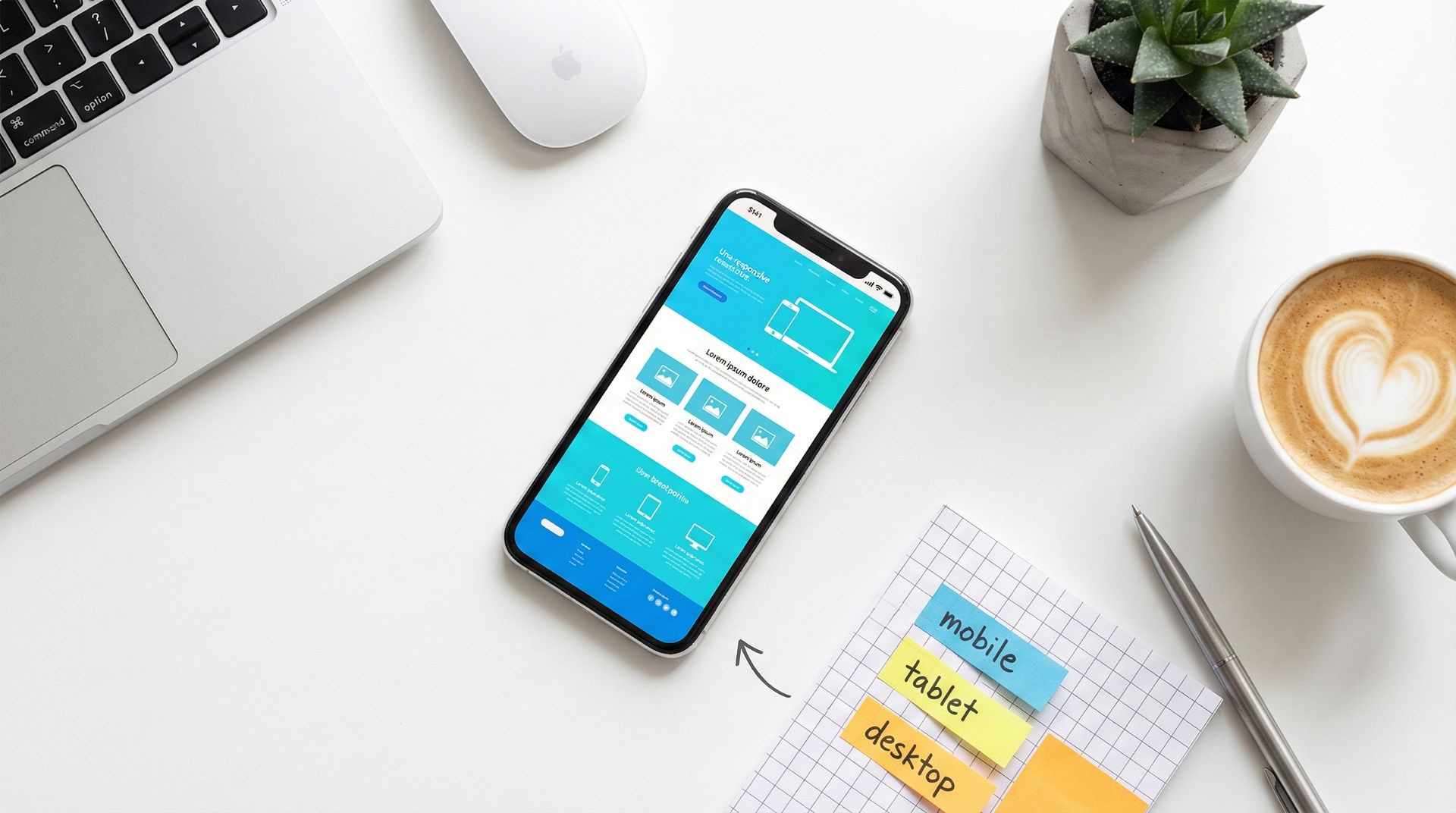
4) Fix Your Website So It Converts "Ready-to-Buy" Traffic
You can run Google Ads and rank on Google, but if your website is unclear, slow, or built like a brochure, you'll still lose business.
Website Optimization That Matters for Contractors
A strong contractor website isn't about being fancy, it's about removing friction.
And if you're considering a new site, tie it to profitability: how many leads does it need to generate to pay for itself?
→ Business Calculators for Contractors
Open your homepage on your phone and set a timer for 5 seconds. If a client can't immediately tell (1) what you do, (2) where you serve, and (3) how to contact you, you're leaking leads. Fix clarity first, before you spend more on ads.
5) Local SEO + Reputation Management: The Trust Engine You Can't Skip
If you serve a defined area, like Webster, Southbridge, Charlton, Auburn, or the greater Worcester region, local SEO and reputation management are not optional.
Why? Because your Google Business Profile and reviews do two things paid ads can't do well:
Practical Reputation Management Habits
- ✓
Ask every satisfied client (same day, while the job is fresh)
- ✓
Text/email the review link to reduce friction
- ✓
Reply to every review (yes, even the short ones)
- ✓
Handle negative reviews calmly and professionally (future clients are watching)
Local SEO isn't magic, it's consistency: correct categories, services, photos, posts, and review velocity.
→ Local SEO & Reputation Management
6) Google Ads for Contractors: Stop Paying for "Curious" Clicks
Google Ads can work extremely well for contractors, but only if your system filters out junk and captures the good leads fast.
- ✗
Broad keywords that pull DIY searches
- ✗
Wrong service areas (paying for clicks outside your radius)
- ✗
No call tracking (no idea what's converting)
- ✗
Slow follow-up (you paid for the click, then ghosted the lead)
- ✗
Landing pages that look like generic homepages
- ✓
Tight service + town intent (when relevant)
- ✓
Conversion tracking for calls + forms
- ✓
A landing experience built for one outcome: contact
- ✓
Automated lead capture + immediate response workflow
If your ads are producing leads but your close rate is low, the issue is often speed-to-lead and process , not traffic.
→ Managed Google Ads for Contractors
Want help tightening your lead capture and follow-up so your ads and local SEO finally pay off?
Put It Together: A Realistic Lead Workflow That Wins in the Real World
Here's a simple, high-performing workflow many contractors aim for:
The point isn't to "automate relationships." The point is to stop losing the opportunities you already earned .
Two Offers That Reduce Your Risk While You Improve Your System
If you've been burned by marketing before, you're not alone. Two things can make a decision easier:
Those are the kinds of practical add-ons that should support your operations, not just look good in a proposal.